



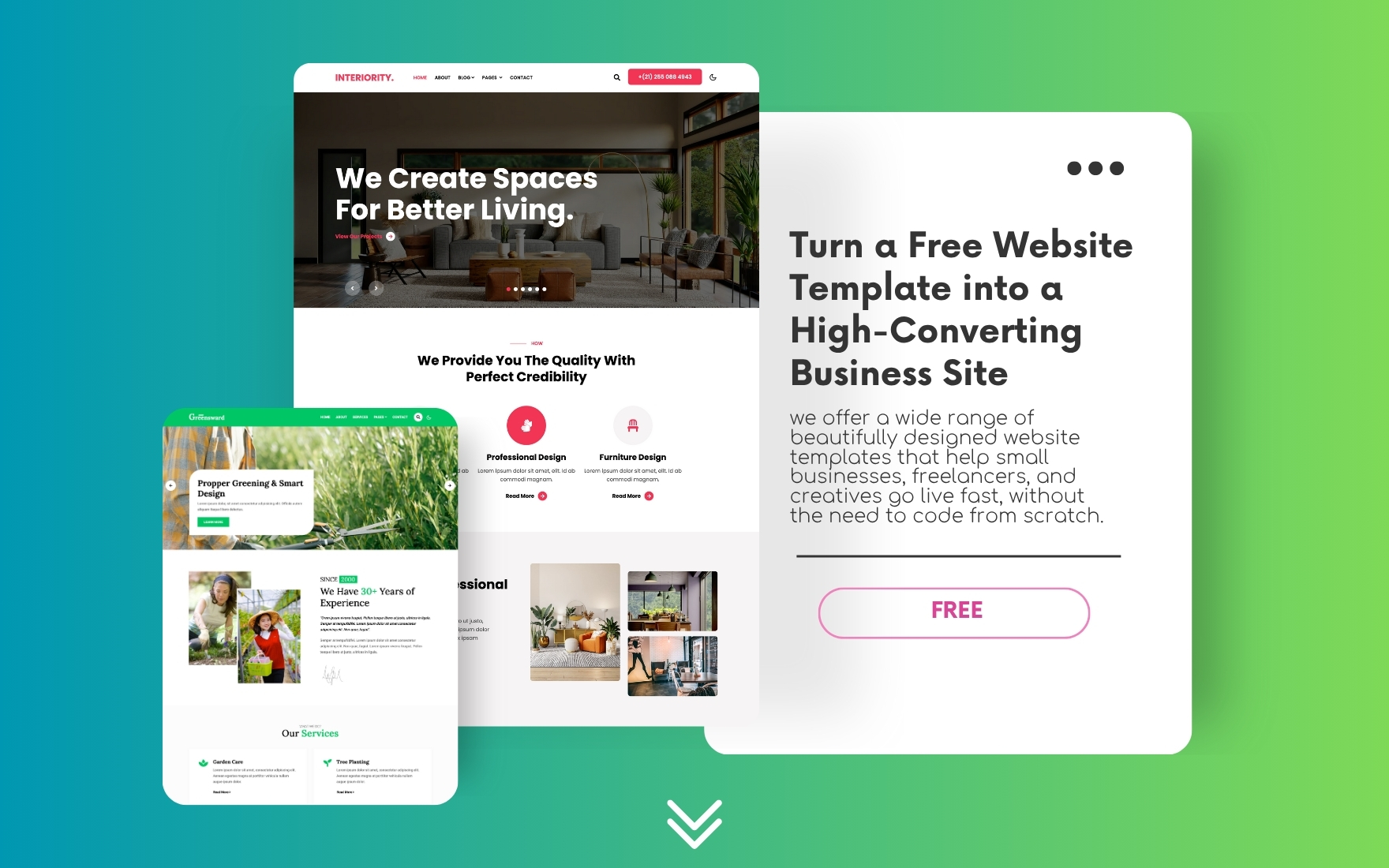
How to Turn a Free Template into a High-Converting Business Website
When you’re just getting started with your online presence, investing thousands in a custom website may not always be feasible. But here’s the good news—you don’t need to! With the right website templates, even a free template can become a professional, high-converting business website.
At W3Layouts, we offer a wide range of beautifully designed website templates that help small businesses, freelancers, and creatives go live fast, without the need to code from scratch.
Let’s walk you through how to take a free template and turn it into your dream business site.
Step 1: Choose the Right Website Template
Start with a template that closely matches your industry and goals. Whether you’re a fitness coach, startup founder, photographer, or food blogger, there’s a template made for you.
Check out our free templates to find one that fits your business vibe. Look for:
- Clean, modern layout
- Mobile-friendly design
- Easy customization
- SEO-friendly code
Tip: Think of the template as your website’s skeleton—you’ll add the flesh (content), clothes (branding), and soul (conversion strategy) as you go.
Step 2: Customize It for Your Brand
Now it’s time to make it yours. Customizing your website template is what transforms it from generic to genuinely YOU.
Here’s how:
a. Add Your Logo and Brand Colors
Swap out placeholder logos with your own. Stick to your brand’s color palette and font styles throughout the site.
b. Update All Content
Replace dummy text with clear, compelling copy. Tell visitors what you offer, how it helps them, and what they should do next.
c. Use Real Images
Use high-quality photos relevant to your business. Avoid generic stock images when possible—authentic visuals build trust.
Step 3: Focus on the User Experience
A beautiful site won’t convert if it frustrates users. Optimize your site’s UX with these tips:
- Fast Loading Speed – Compress images and minify code.
- Mobile Optimization – Your template should adapt smoothly to phones and tablets.
- Simple Navigation – Use a clean menu and clear call-to-action (CTA) buttons.
Step 4: Add Conversion Elements
Here’s where the magic happens. Turn your free template into a high-converting business website by adding:
- Lead Forms: For inquiries or newsletter signups.
- Clear CTAs: Buttons like “Book Now,” “Get a Quote,” or “Start Free Trial.”
- Testimonials: Show off real customer feedback.
- Trust Badges: Display any certifications, secure payment icons, etc.
Step 5: Optimize for SEO
Search engines matter. Ensure your website template is optimized by:
- Using relevant keywords in headings, content, and metadata
- Naming images with alt tags (e.g., website-templates-business.jpg)
- Adding internal links to other relevant pages on your site
Need help? Check out our post on SEO-friendly templates to boost your ranking.
Step 6: Launch and Test
Before going live:
- Test across devices (desktop, tablet, mobile)
- Check all links and forms
- Ask friends or team members to give feedback
Once everything looks great, hit publish and share your business website with the world!
Final Thoughts
A free template can be more than just a starting point—it can be the launchpad for your digital success. With smart customization and a focus on branding and conversions, your website template can do wonders for your business.
Whether you’re a freelancer, small business owner, or startup founder, W3Layouts gives you the tools to create beautiful, functional, and affordable websites—fast.
Ready to Launch Your Site?
Explore our free website templates and pick the one that fits your business today. Or go premium for advanced features and priority support.
Visit W3Layouts.com and get started now!